

Email Studio vs Journey Builder: When Should You Use Each
Salesforce Marketing Cloud Engagement gives marketers several tools for communicating with customers, but two names appear especially often: Email Studio and Journey Builder.
At first glance, they can seem similar. Both can involve email communication, customer data, personalization, and campaign performance. However, they solve different problems.
Email Studio is primarily designed for creating, managing, and sending email campaigns, while Journey Builder focuses on orchestrating customer experiences based on customer actions, data, and timing.
Understanding when to use each tool can make campaigns easier to manage and help businesses avoid unnecessary complexity.
What Is Email Studio?
Email Studio is Salesforce Marketing Cloud Engagement’s email marketing application. It allows marketers to create and send personalized emails, manage subscribers, target different audiences, and track campaign performance.
A typical Email Studio use case could be a retailer sending a monthly newsletter to 50,000 subscribers. The audience has already been defined, the email content is prepared, and everyone should receive the campaign at approximately the same time.
In this situation, there may be little reason to build an entire customer journey.
Email Studio is particularly useful when the primary objective is simply to send a targeted email campaign efficiently.
What Is Journey Builder?
Journey Builder approaches communication differently.
Instead of focusing on an individual email campaign, it allows marketers to design an automated customer journey consisting of different interactions and decision points.
A customer can enter a journey because they registered for an account, made a purchase, abandoned a cart, joined a loyalty program, or performed another predefined action.
From there, Journey Builder can determine what happens next.
For example, imagine a customer creates an account on an ecommerce website.
They might immediately receive a welcome email. Three days later, customers who have not purchased anything receive another message. Customers who already completed a purchase could instead follow a different path.
The communication changes according to the customer's behavior.
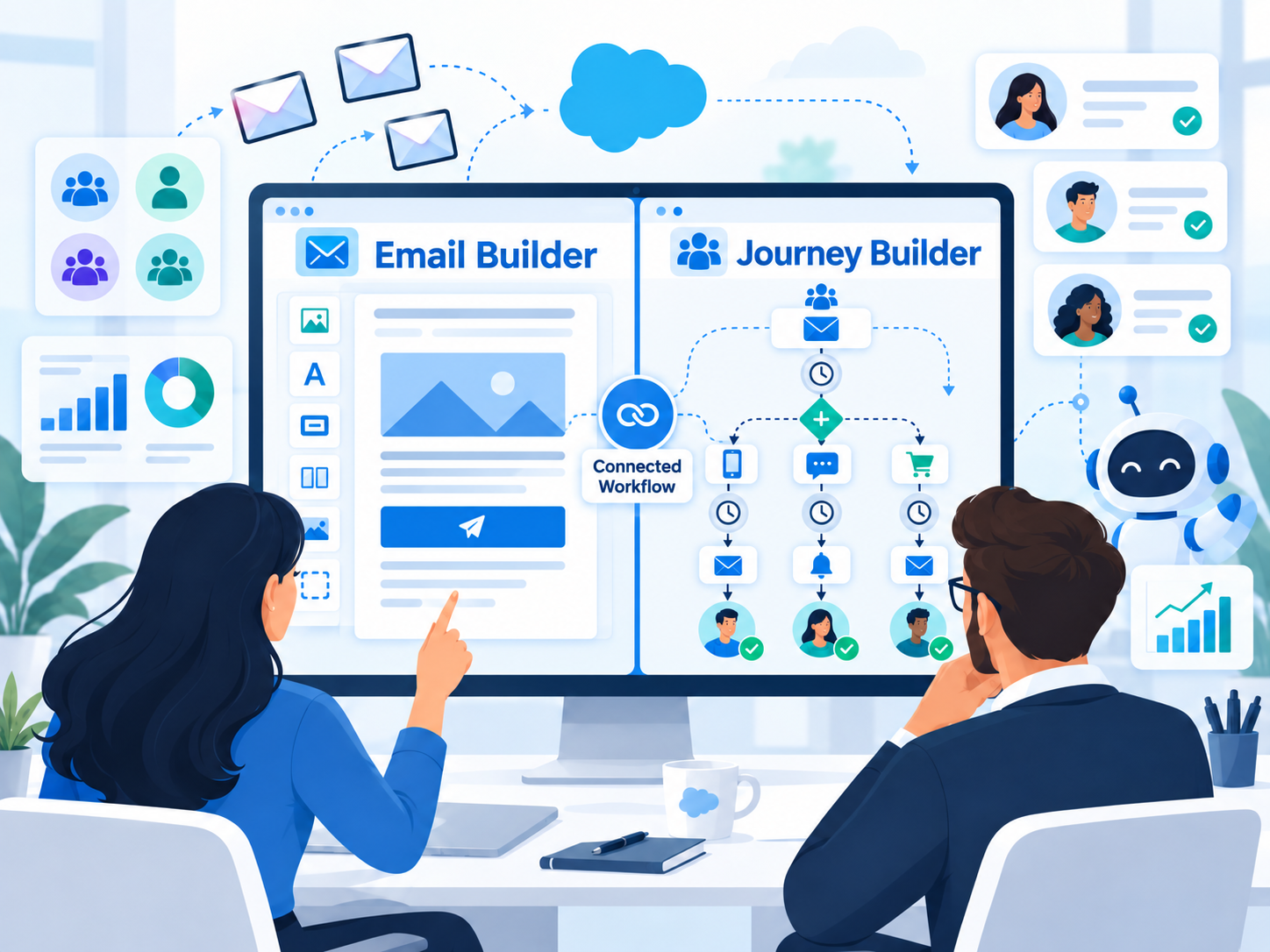
Email Studio vs Journey Builder
The easiest way to understand the difference is to think about the objective.
With Email Studio, the question is usually:
“Which email do we want to send to this audience?”
With Journey Builder, the question becomes:
“What should happen next for this customer?”
Email Studio is usually a better choice for:
-
Newsletters and promotional campaigns
-
Product or company announcements
-
One-time or scheduled email communication
Journey Builder is usually better for:
-
Customer onboarding
-
Abandoned-cart and post-purchase journeys
-
Re-engagement and lifecycle campaigns
This distinction is important because not every campaign needs automation. A welcome email, for example, can easily be sent through Email Studio. But if that welcome email is followed by a wait period, another message, a decision based on customer activity, and different follow-up paths, Journey Builder becomes the more suitable option.
When Should You Use Email Studio?
Email Studio works best when the campaign is primarily focused on email and the communication does not require a complex sequence of actions.
It is particularly useful when the audience is already defined, the message has a clear send date, and most recipients will receive the same communication.
A company sending a seasonal promotion, a weekly newsletter, or an event announcement can often achieve its goal without building a full automated journey.
Using Journey Builder for every campaign can actually make Marketing Cloud more difficult to maintain. A simple campaign should usually remain simple.
When Should You Use Journey Builder?
Journey Builder becomes more valuable when communication depends on customer behavior.
Consider an abandoned-cart campaign.
A customer adds a product to their cart but leaves without completing the purchase. Several hours later, they receive a reminder. If they return and complete the purchase, they should no longer receive cart reminders. If they do not return, another message may follow later.
This type of campaign requires more than sending an email. It requires logic, timing, and decisions.
Journey Builder is therefore well suited for situations where:
-
Customers need to follow different paths
-
Communication happens over several days or weeks
-
Customer actions influence the next step
This is where Journey Builder provides considerably more flexibility than a traditional email campaign.
Common Mistakes to Avoid
One of the most common mistakes is using Journey Builder simply because it offers more functionality.
More functionality does not automatically mean a better solution.
A complicated journey with multiple unnecessary branches can become difficult to understand, test, and maintain. At the same time, trying to manage a complex customer lifecycle entirely through individual email campaigns can create its own problems.
Another common issue is poor customer data. Even a perfectly designed journey will not deliver the expected results if the underlying customer information is incomplete, outdated, or incorrectly segmented.
The business requirement should always determine the tool.
Email Studio and Journey Builder Can Work Together
Email Studio and Journey Builder should not always be viewed as competing tools.
Email Studio provides strong email marketing capabilities, while Journey Builder adds automation and customer journey orchestration around those communications.
For example, a marketing team can create personalized email content and then use that email as one step within a larger onboarding or retention journey.
This combination allows businesses to maintain strong email campaigns while also introducing automation where it genuinely adds value.
Final Thoughts
Email Studio and Journey Builder both play important roles in Salesforce Marketing Cloud Engagement, but they address different levels of marketing automation.
If the objective is to send a targeted email campaign to a defined audience, Email Studio is often the simpler and more efficient choice.
If customer behavior, timing, multiple interactions, and decision points determine what happens next, Journey Builder is usually the stronger option.
A useful rule to remember is simple:
-
Use Email Studio when the focus is the email.
-
Use Journey Builder when the focus is the customer journey.
The best Marketing Cloud solution is not the one that uses the most features. It is the one that delivers the required customer experience with the least unnecessary complexity.